Meal Minder
Meal Minder
Project Overview
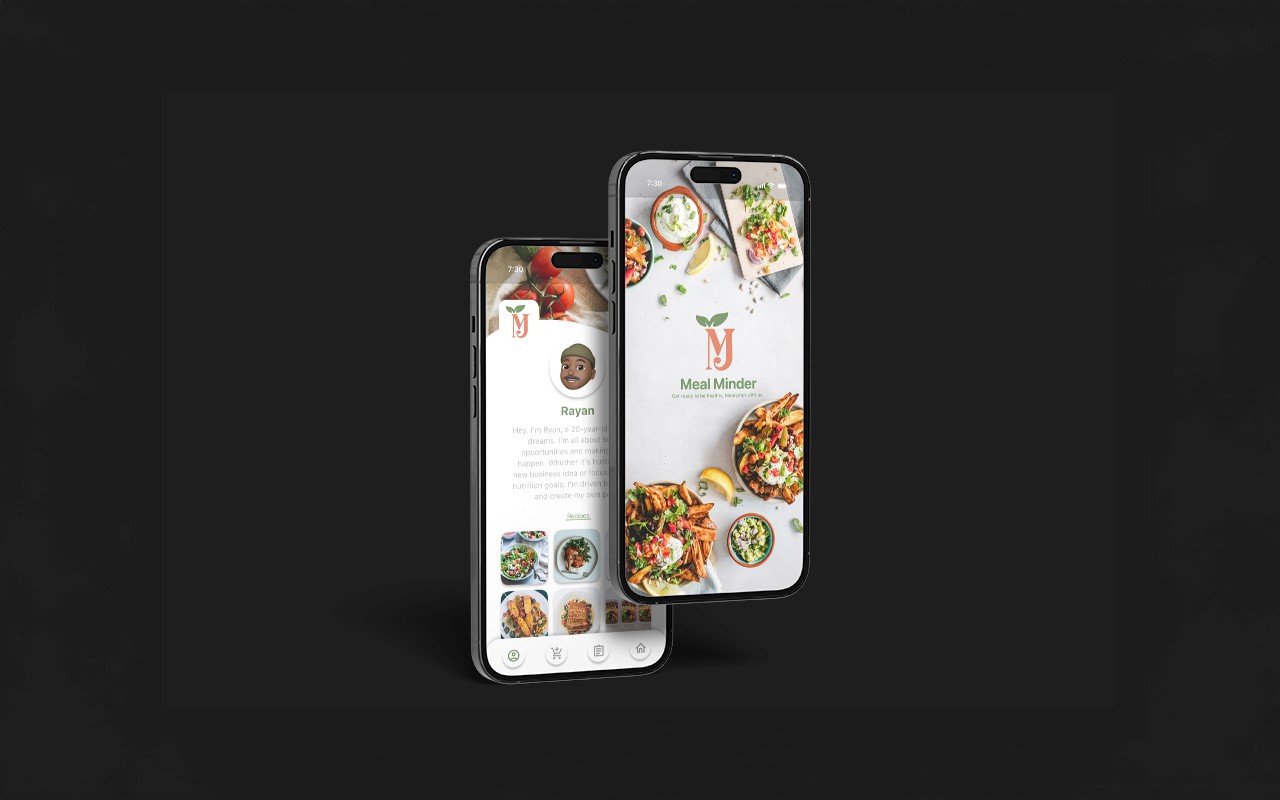
Meal Minder is a wellness-focused mobile app designed to help college students build healthier eating habits while staying organized. The app simplifies meal planning, grocery shopping, and habit tracking through an intuitive, student-centered interface.
It combines personalized meal planning, automated shopping lists, and step-by-step guidance to make healthy living more accessible for young adults navigating busy academic schedules.
The Problem
The Problem
College students often struggle with:
Irregular meal schedules
Budget constraints
Limited time
Decision fatigue
Overwhelming wellness apps not built for student life
Many existing meal-planning platforms lack simplicity and do not address the unique lifestyle challenges of students.
Design Question:
How might we create a meal planning experience that feels manageable, personalized, and stress-free for students?
College students often struggle with:
Irregular meal schedules
Budget constraints
Limited time
Decision fatigue
Overwhelming wellness apps not built for student life
Many existing meal-planning platforms lack simplicity and do not address the unique lifestyle challenges of students.
Design Question:
How might we create a meal planning experience that feels manageable, personalized, and stress-free for students?
The Problem
College students often struggle with:
Irregular meal schedules
Budget constraints
Limited time
Decision fatigue
Overwhelming wellness apps not built for student life
Many existing meal-planning platforms lack simplicity and do not address the unique lifestyle challenges of students.
Design Question:
How might we create a meal planning experience that feels manageable, personalized, and stress-free for students?
The Solution
The Solution
Meal Minder provides:
Personalized meal planning
Smart shopping list generator
Guided onboarding experience
Clean, minimal interface
Simple navigation tailored to first-time users
The goal was to reduce cognitive overload and make wellness feel achievable — not intimidating.
Meal Minder provides:
Personalized meal planning
Smart shopping list generator
Guided onboarding experience
Clean, minimal interface
Simple navigation tailored to first-time users
The goal was to reduce cognitive overload and make wellness feel achievable — not intimidating.
The Solution
Meal Minder provides:
Personalized meal planning
Smart shopping list generator
Guided onboarding experience
Clean, minimal interface
Simple navigation tailored to first-time users
The goal was to reduce cognitive overload and make wellness feel achievable — not intimidating.
Development
Development
UX Research
User Flow Development
Process Flowchart Creation
Wireframing
UI Design
Design Process
Understanding Student Needs
I began by identifying key student concerns such as time management, affordability, and confusion around meal prep. These insights guided the app’s core functionality.
Process Flowcharts
Before designing screens, I created detailed process flowcharts to:
Map out user journeys
Identify decision points
Structure onboarding
Ensure every feature solved a real problem
This helped me design intentionally and prevent unnecessary features.
Wireframes
I developed low-fidelity wireframes to outline:
Step-by-step onboarding
Meal planning selection process
Shopping list automation
Navigation system
The structure was designed to guide users seamlessly without overwhelming them.
Accessibility & Usability Focus
Meal Minder emphasizes:
Clear visual hierarchy
Minimal distractions
Readable typography
Straightforward navigation
Guided actions instead of crowded dashboards
This ensures even first-time users can confidently interact with the app.
Key Design Decisions
Clean, calming interface to reduce stress
Personalized features tailored to student routines
Simplified decision-making to avoid burnout
Structured flows to improve user confidence
UX Research
User Flow Development
Process Flowchart Creation
Wireframing
UI Design
Design Process
Understanding Student Needs
I began by identifying key student concerns such as time management, affordability, and confusion around meal prep. These insights guided the app’s core functionality.
Process Flowcharts
Before designing screens, I created detailed process flowcharts to:
Map out user journeys
Identify decision points
Structure onboarding
Ensure every feature solved a real problem
This helped me design intentionally and prevent unnecessary features.
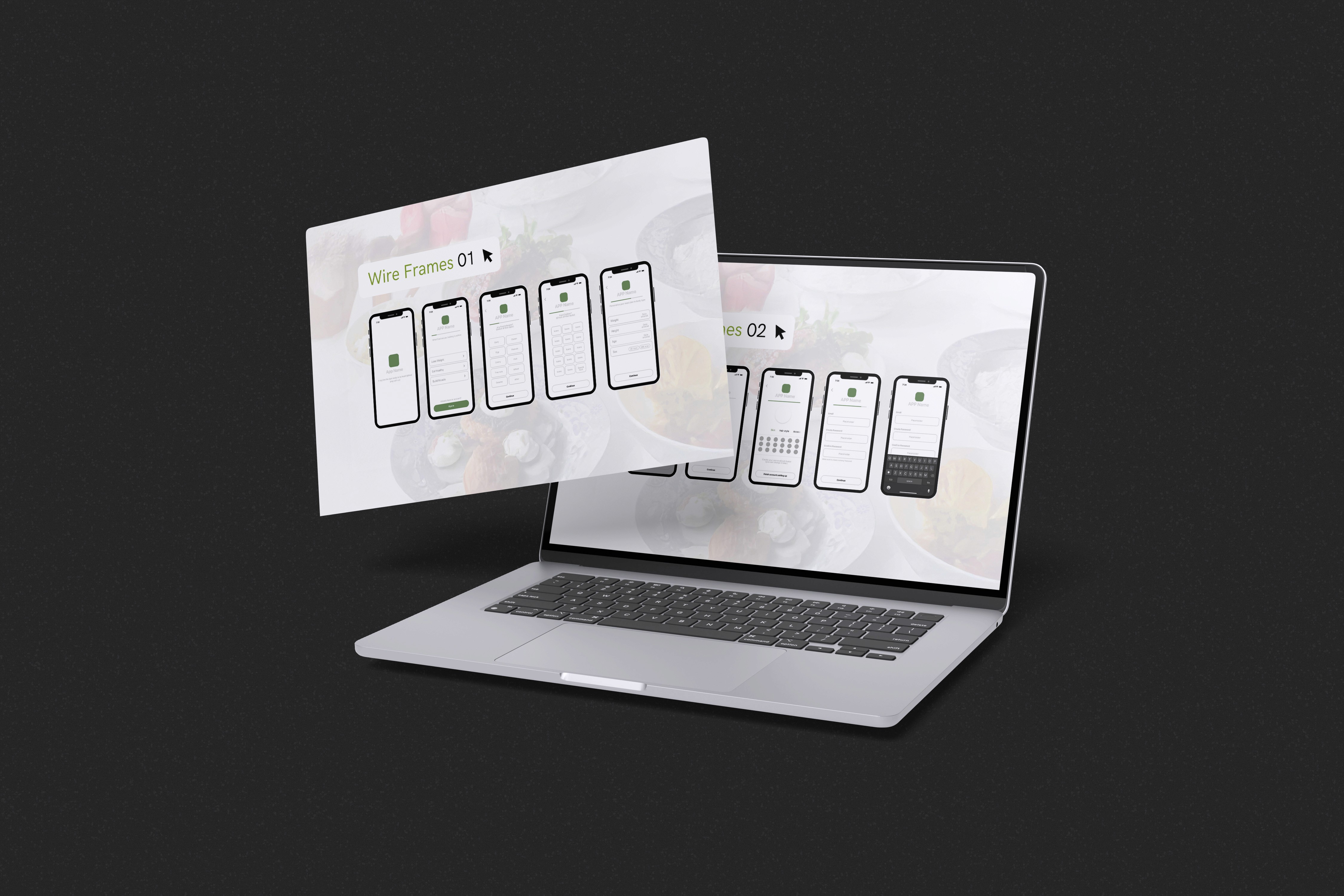
Wireframes
I developed low-fidelity wireframes to outline:
Step-by-step onboarding
Meal planning selection process
Shopping list automation
Navigation system
The structure was designed to guide users seamlessly without overwhelming them.
Accessibility & Usability Focus
Meal Minder emphasizes:
Clear visual hierarchy
Minimal distractions
Readable typography
Straightforward navigation
Guided actions instead of crowded dashboards
This ensures even first-time users can confidently interact with the app.
Key Design Decisions
Clean, calming interface to reduce stress
Personalized features tailored to student routines
Simplified decision-making to avoid burnout
Structured flows to improve user confidence
Development
UX Research
User Flow Development
Process Flowchart Creation
Wireframing
UI Design
Design Process
Understanding Student Needs
I began by identifying key student concerns such as time management, affordability, and confusion around meal prep. These insights guided the app’s core functionality.
Process Flowcharts
Before designing screens, I created detailed process flowcharts to:
Map out user journeys
Identify decision points
Structure onboarding
Ensure every feature solved a real problem
This helped me design intentionally and prevent unnecessary features.
Wireframes
I developed low-fidelity wireframes to outline:
Step-by-step onboarding
Meal planning selection process
Shopping list automation
Navigation system
The structure was designed to guide users seamlessly without overwhelming them.
Accessibility & Usability Focus
Meal Minder emphasizes:
Clear visual hierarchy
Minimal distractions
Readable typography
Straightforward navigation
Guided actions instead of crowded dashboards
This ensures even first-time users can confidently interact with the app.
Key Design Decisions
Clean, calming interface to reduce stress
Personalized features tailored to student routines
Simplified decision-making to avoid burnout
Structured flows to improve user confidence
Outcome
Outcome
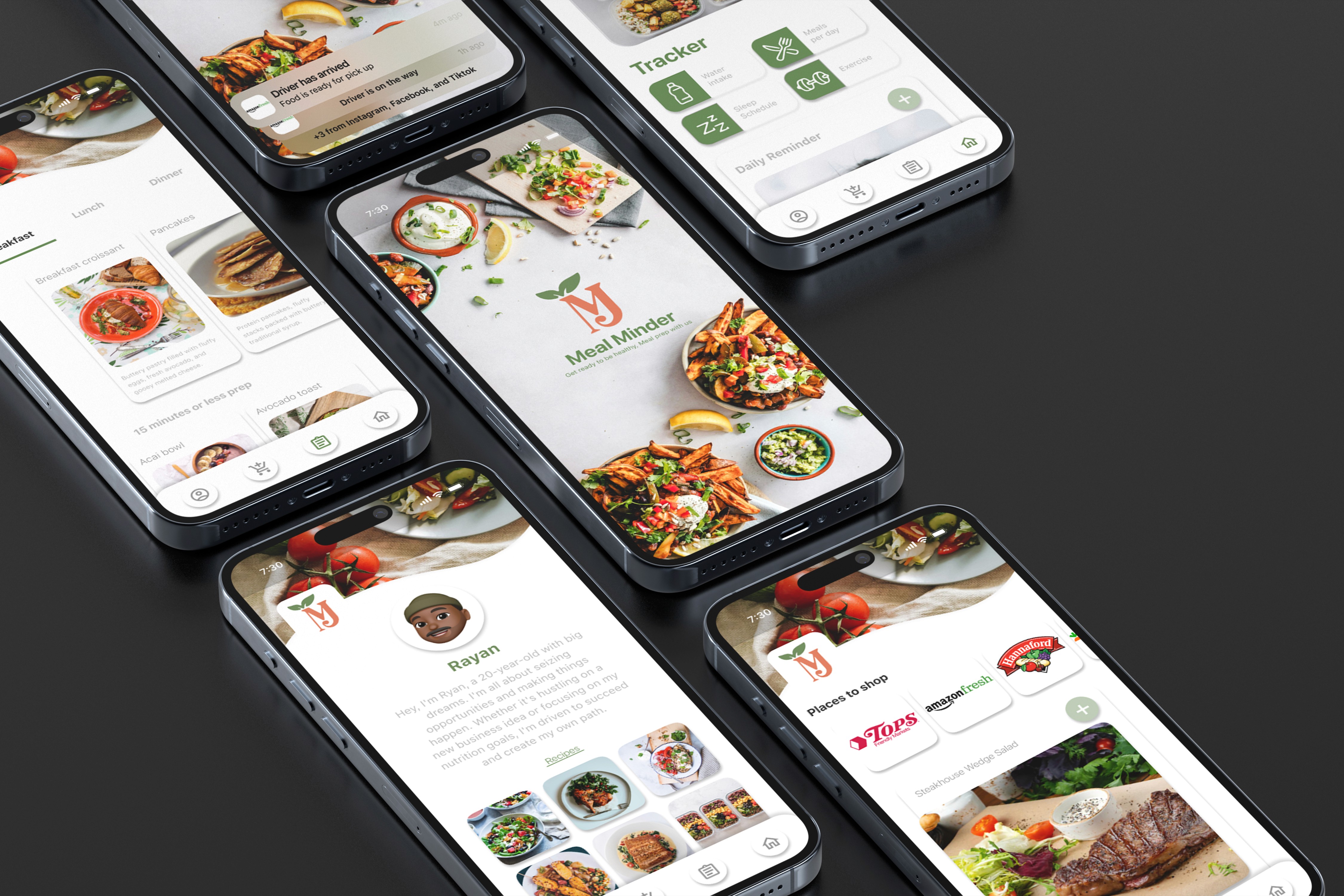
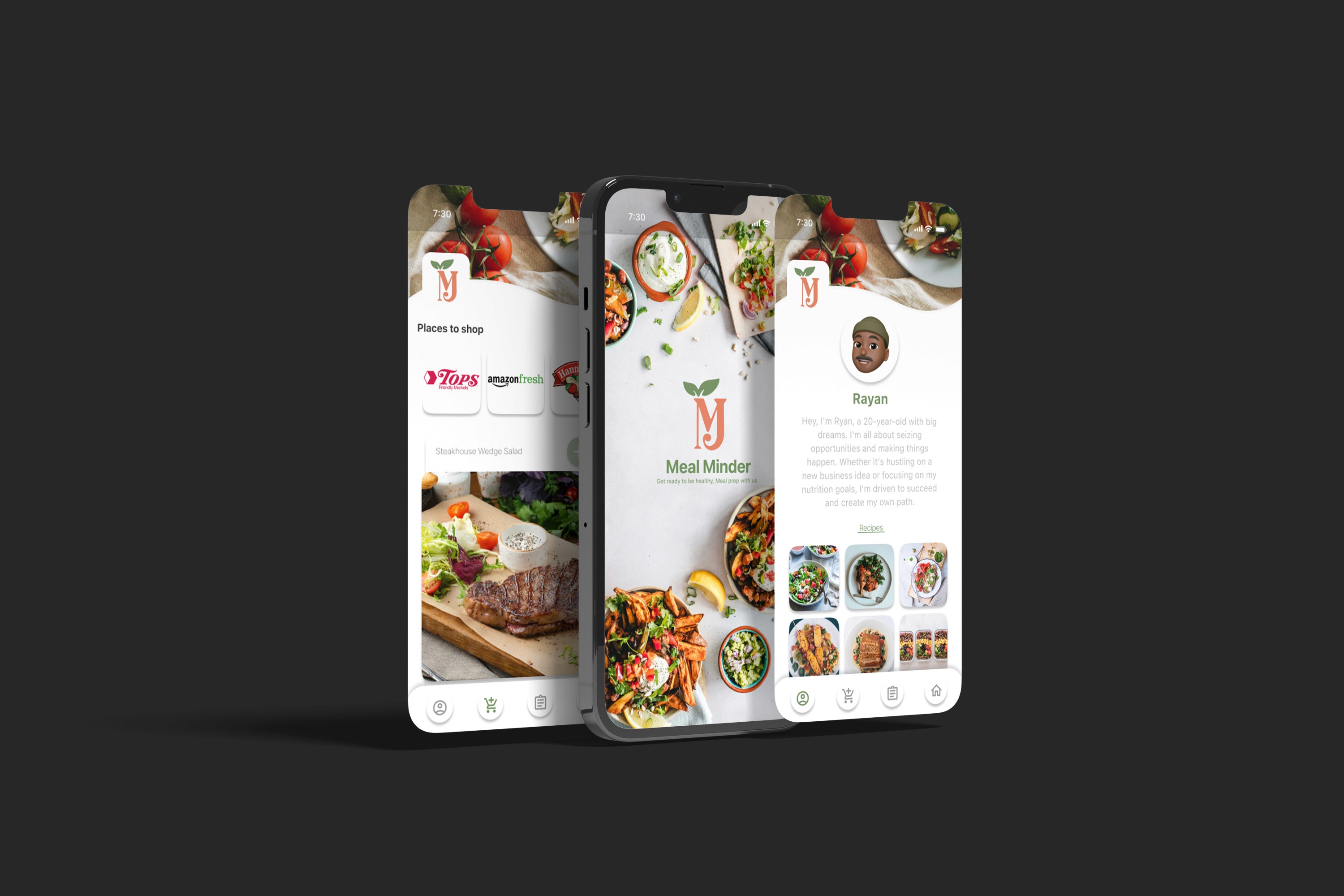
Meal Minder transforms meal planning into a manageable and empowering process for college students. By combining intentional user flows with a clean, intuitive design system, the app supports healthier habits without adding complexity to student life.
Meal Minder transforms meal planning into a manageable and empowering process for college students. By combining intentional user flows with a clean, intuitive design system, the app supports healthier habits without adding complexity to student life.
Outcome
Meal Minder transforms meal planning into a manageable and empowering process for college students. By combining intentional user flows with a clean, intuitive design system, the app supports healthier habits without adding complexity to student life.
More Works More Works
More Works More Works
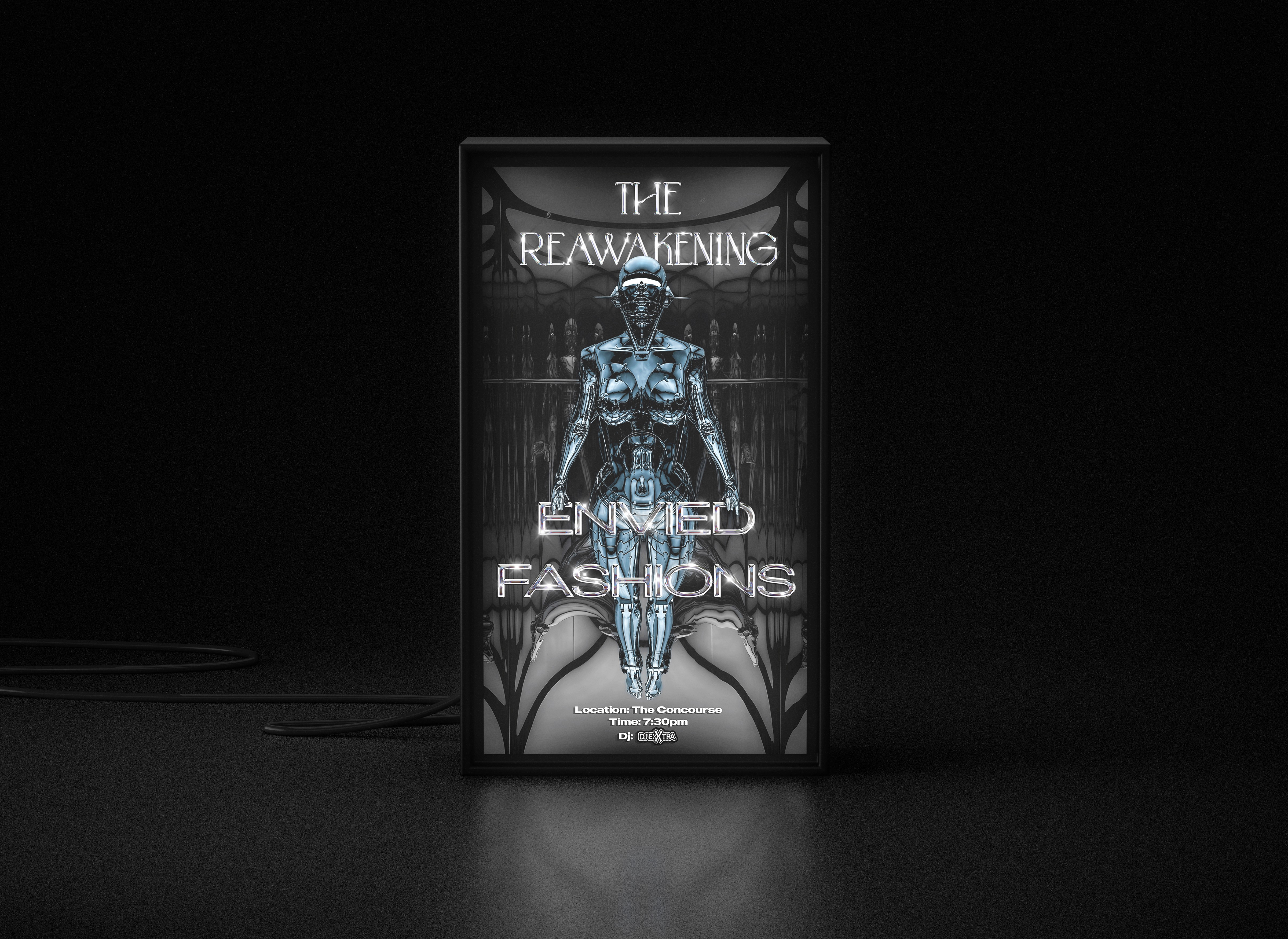
Envied Fashions
Social Media Campaign
2025
2025
Envied Fashions
Social Media Campaign
2025
2025
Envied Fashions
Social Media Campaign
2025
2025
Envied Fashions
Social Media Campaign
2025
2025
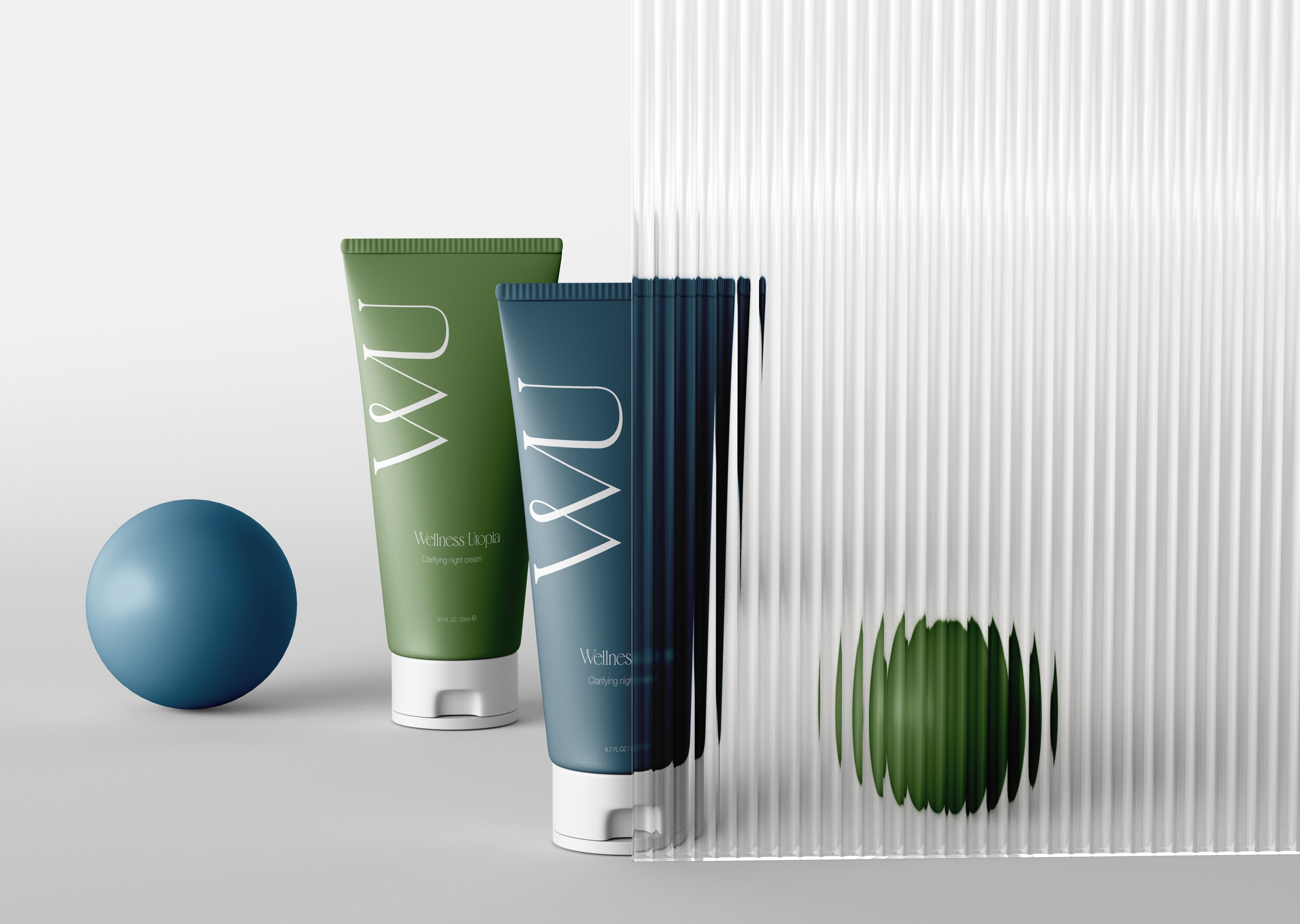
Wellness Utopia
Branding/ Social & Digital Focus
2025
2025
Wellness Utopia
Branding/ Social & Digital Focus
2025
2025
Wellness Utopia
Branding/ Social & Digital Focus
2025
2025
Wellness Utopia
Branding/ Social & Digital Focus
2025
2025